
What is the WhatsApp Business API and when does a company need it?
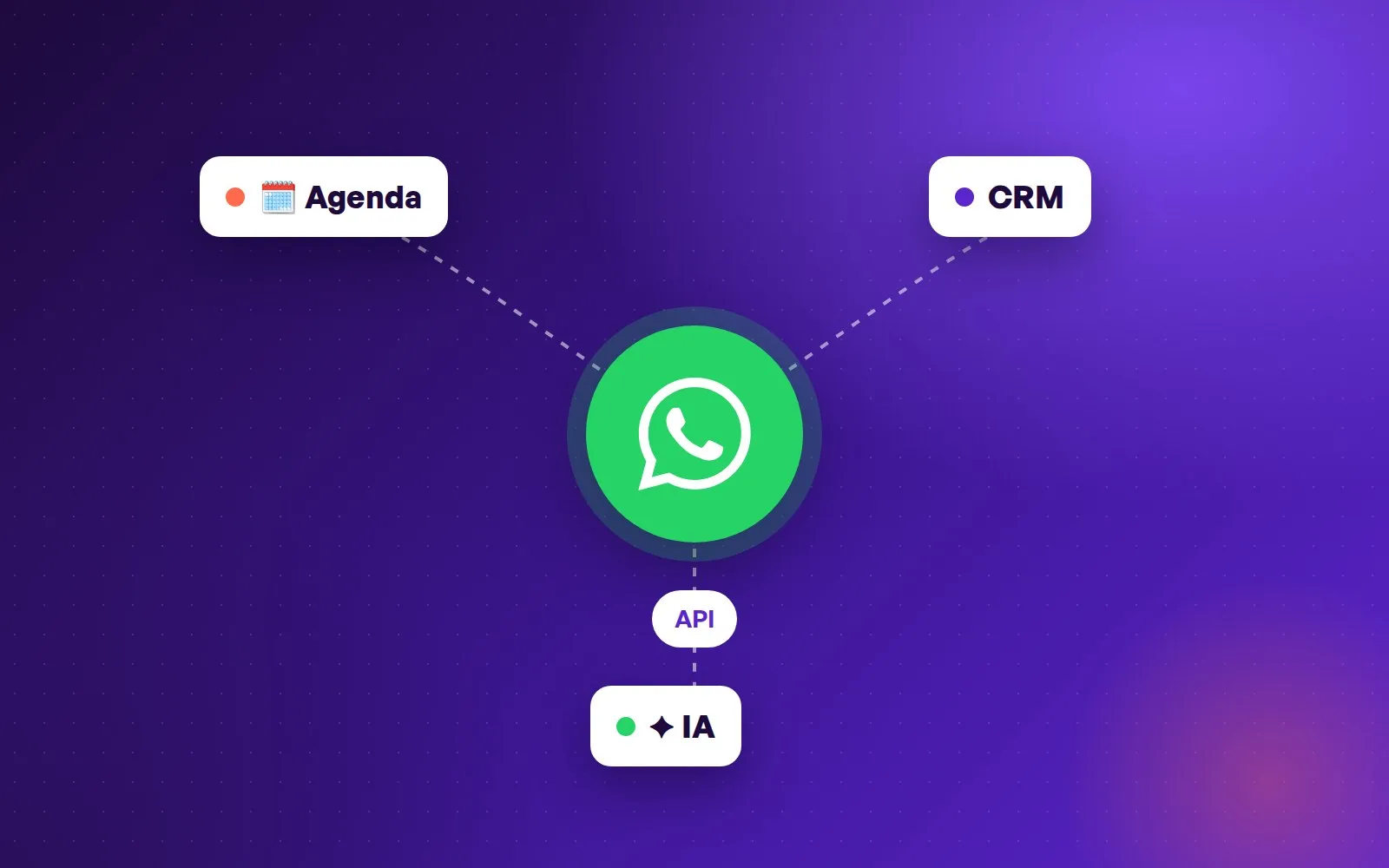
The WhatsApp Business API is the version of WhatsApp built for a company to connect its number to software: a support platform, a CRM, a calendar or an AI agent. It is not an app you download, which is why it raises so many questions. This guide explains what it is, how it differs from WhatsApp Business and when a company should make the move.
WhatsApp, WhatsApp Business and the API: three different things
WhatsApp is the personal app. WhatsApp Business is the free app for businesses: it adds a business profile, a catalog, labels and automatic greeting and away messages. It works well while one or two people answer a single number from a phone.
The WhatsApp Business API, which Meta now calls the WhatsApp Business Platform, is something else: a technical connection that lets a system send and receive the messages of the company’s number. It has no screen of its own. It is used through a Meta-authorized provider or an in-house build, and Meta hosts it on its own servers (the so-called Cloud API).
Signs the app is no longer enough
Several people answer the same number and step on each other, or nobody knows who replied to whom. There is more than one location, each with its own phone and a different quality of service. Messages arrive at night and on weekends, and every Monday starts with a queue of customers who already went elsewhere.
Also when the business needs WhatsApp to talk to other systems: a booking that lands in the right location’s calendar, a reminder that goes out on its own 24 hours before, or an AI agent that handles the repeated questions. None of that can be done reliably from the phone app.
What changes when you move to the API
What you gain: one number handled by many people and automations at once, integration with calendar and CRM, Meta-approved template messages for reminders and notices, and an official connection that does not depend on workarounds Meta can block.
What to keep in mind: within 24 hours of the customer’s last message you can reply freely. Outside that window, the company can only start the conversation with Meta-approved templates, which are charged per message by category (marketing, utility or authentication) and country. Meta also watches quality: if many customers block or report the number, it limits how many conversations the company can start.
Do you have to change your number?
Not necessarily. The number the company already uses can be connected to the API, so customers keep writing to the same contact as always. In many cases Meta even lets you keep using the WhatsApp Business app on that number while it is connected to the API; check with the provider before migrating, because it depends on the country and account type.
How to get the official API
You need a Meta business portfolio (formerly Business Manager), the number to connect and a display name that Meta approves. Operating at volume usually also requires business verification. Onboarding goes through an authorized provider, who guides you with Meta’s embedded signup, or through an in-house build on the Cloud API.
A warning: free “WhatsApp APIs” and APK files that automate WhatsApp Web circulate online. They are not official. They work until Meta detects them and bans the number, and with it the channel your customers use to reach you. The official API is not downloaded: it is connected.
What it costs, in short
There are two costs. Meta’s, charged for each delivered template message by category and recipient country; replying to a customer who wrote first, within 24 hours, has no Meta cost. And the provider or platform used to run the number, which is where the software lives: shared inbox, automations, AI agent, reports.
How Virsi uses it
Virsi is a certified Meta Tech Provider, so it connects the company’s WhatsApp through the official route, using the number it already has. On top of that connection, an AI agent answers, advises and books across every location with each professional’s real availability, and sends a reminder 24 hours before each booking.
For a company with several locations, the API is what lets a single WhatsApp respond equally well at every branch, at any hour, without adding front-desk staff.
Ready to fill your calendar?
Start for free