
How to send appointment reminders on WhatsApp automatically
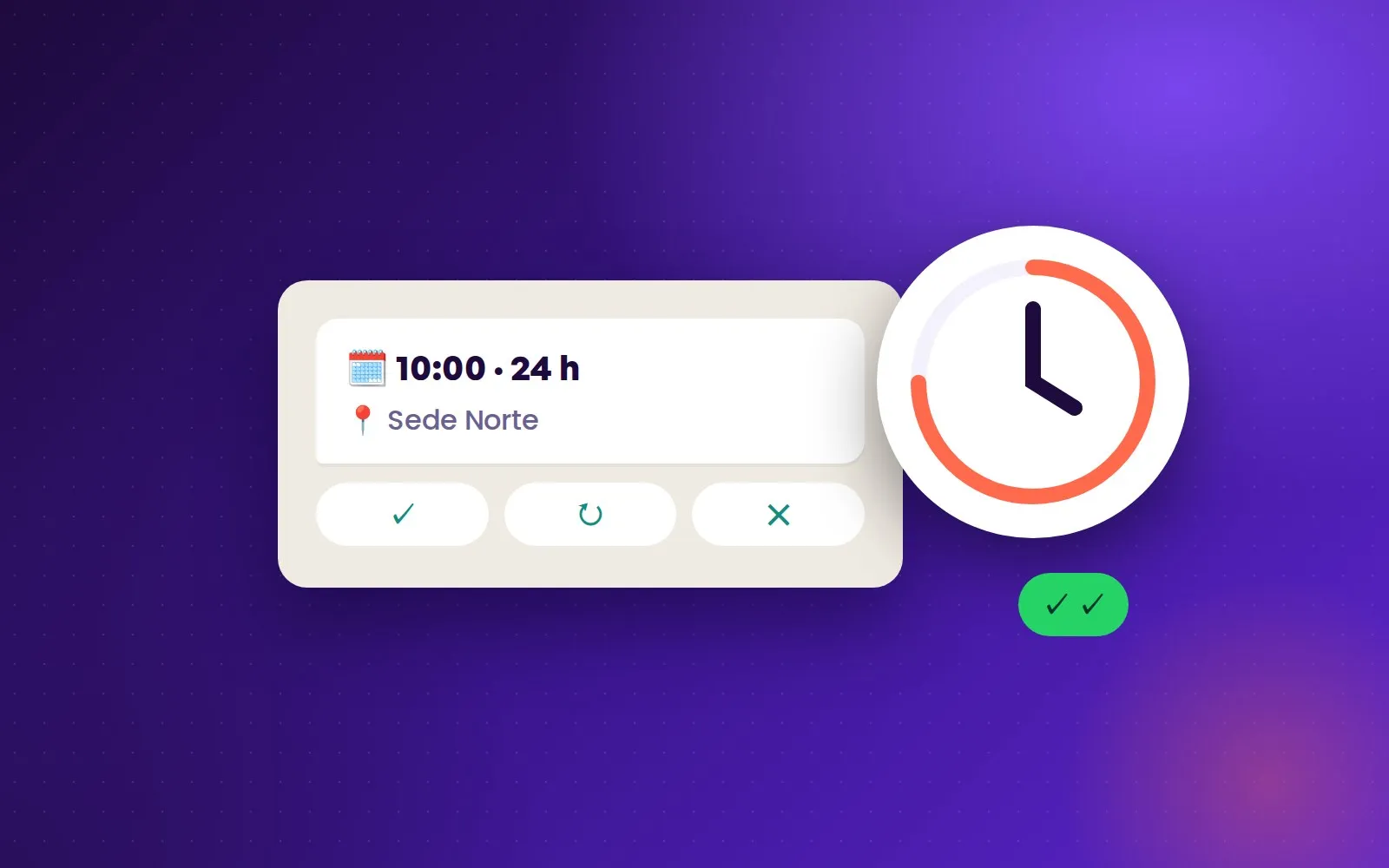
A timely reminder is the simplest way to cut no-shows: the customer remembers, confirms or says they can’t make it, and the slot frees up early enough to offer it to someone else. WhatsApp is where these notices get read the most. This guide covers the options for sending them, from manual to automatic, and what WhatsApp requires to do it without trouble.
Why WhatsApp and not SMS or email
Because it’s where the customer already talks to the business. A reminder that arrives in the same chat where the appointment was booked is recognized instantly, and the customer can reply right there to confirm, move or cancel. SMS doesn’t allow that conversation, and email gets opened far less and much later.
Option 1: manually from the phone
Someone at the front desk checks tomorrow’s schedule and writes to each customer. It works with few appointments, but it eats time every day, depends on nobody forgetting and becomes impossible with several locations. WhatsApp Business quick replies save retyping the text, but sending is still one by one.
Option 2: automatic with the WhatsApp API
For reminders to go out on their own, you need the WhatsApp Business API connected to the calendar. The system detects each appointment for the next day and sends the notice without anyone stepping in.
There is one important rule: the company can only write first with template messages approved by Meta. An appointment reminder is a “utility” template, because it informs about something the customer already requested. Meta checks that it contains no advertising: if the reminder tries to sell something else, it can be reclassified as marketing or rejected.
The customer must also have agreed to receive messages from the business on WhatsApp. When they booked through that same chat, the relationship already exists; if the number comes from another channel, it’s best to ask for permission explicitly.
What a good reminder should include
The customer’s name, the service, the day, the time, the location with its address and the professional who will see them. And above all, an easy way to reply: confirm, change the time or cancel from the same message, without having to call.
Tone matters: it should sound like the business, not an alarm. And the message shouldn’t be mixed with promotions, both for the customer’s experience and because of WhatsApp’s rules.
When to send it
Early enough that, if the customer cancels, the slot can be offered to someone else. Twenty-four hours before is a common balance point: the appointment is close enough not to be forgotten and there is still a day to rearrange the schedule.
How Virsi does it
In Virsi the reminder isn’t a separate tool: it’s part of the same conversation in which the AI agent booked the appointment. It goes out automatically 24 hours before each booking, through the official WhatsApp API, and the customer can confirm, move or cancel by replying to that same message. If they cancel, the slot is freed in that location’s calendar so another customer can take it.
It’s a single reminder per booking and only about the appointment: Virsi doesn’t send payment notices or promotional campaigns.
Ready to fill your calendar?
Start for free